

Make things.
Look closer.
A workspace for shaping a world, an observatory for the renderer, and a lab for physics. Each tool runs in the browser, using the engine it helps you explore.
A place to
shape a world.
Select and transform objects, import models, arrange materials and light, and author interactions. Save your draft, try it together in a development room, then publish an invitation to a saved release.
Read the World Atelier guide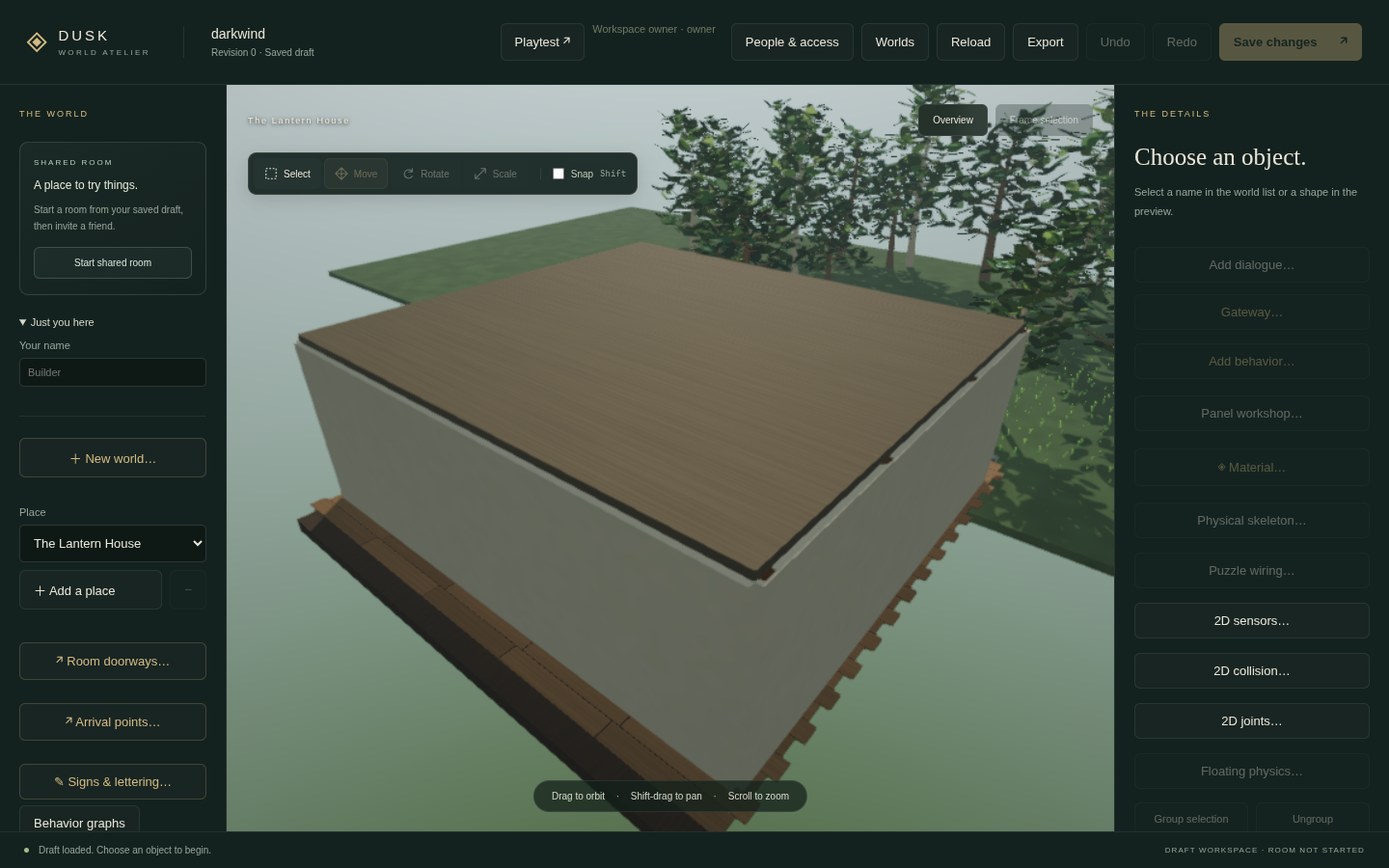
From composition to invitation.
- Direct manipulation, asset import, and reusable prefabs
- Materials, lighting, terrain, and interaction controls
- Collaborative previews, saved undo, and playtest publishing
npm run dev:editorThe terminal prints a private /editor.html#key=… link on port 5181. Keep its access key private. Drafts and published worlds are saved separately.
A window into
the machinery.
Run a real rendering scene, inspect browser capabilities, compare main-thread and worker execution, exercise recovery, and export a diagnostic report.
Rendering & measurement guide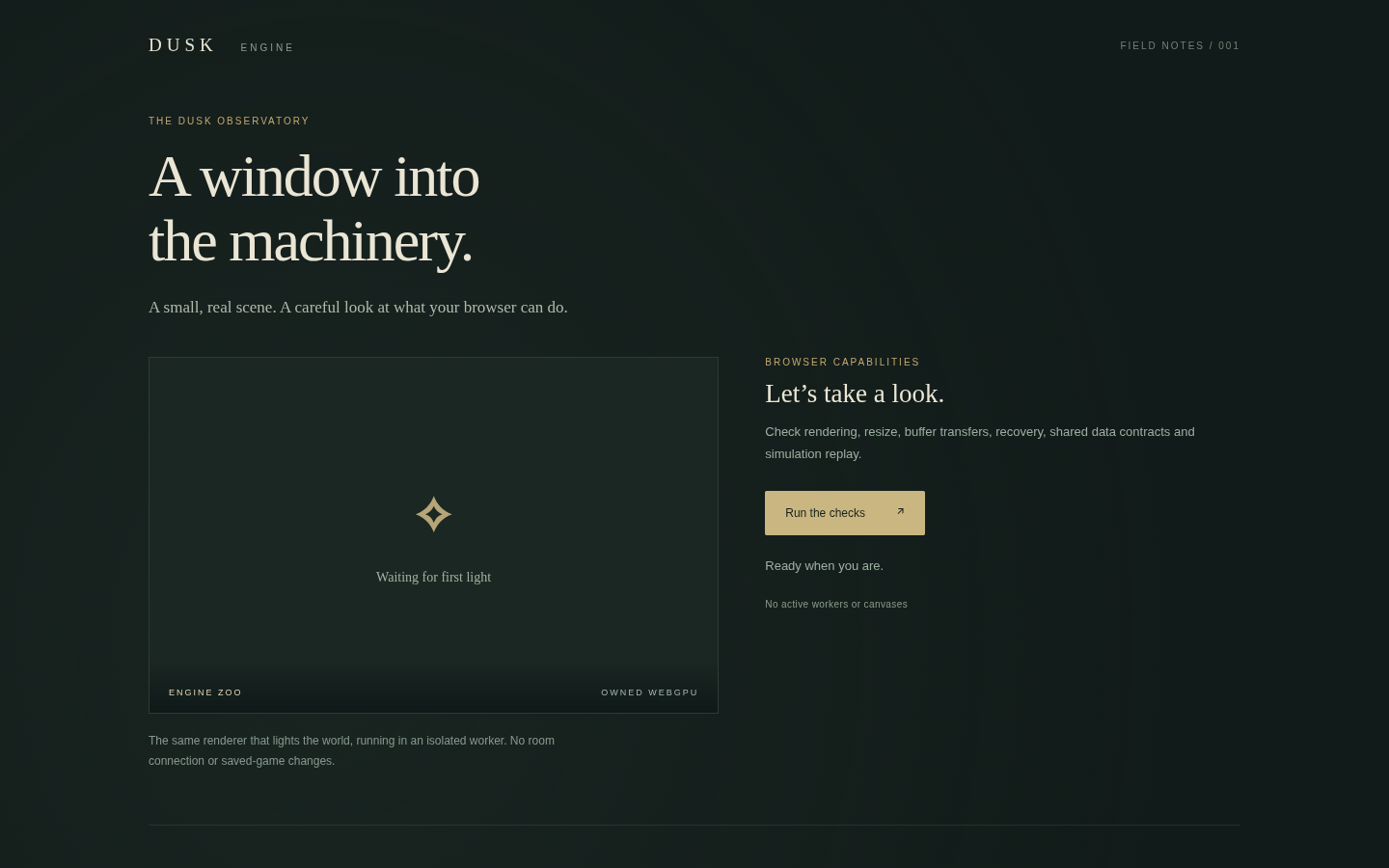
See what is happening.
- Browser and WebGPU capability inspection
- Main-thread and worker rendering paths
- Recovery exercises and diagnostic report export
npm run dev:clientOpen localhost:5173/diagnostics.html after starting the command. This standalone page does not need a multiplayer room.
Put the moving
parts to work.
Explore the engine’s owned physics implementation in a dedicated browser lab. Follow the physics guide for the implemented simulation contracts, replay results, and current limits.
Read the owned physics guide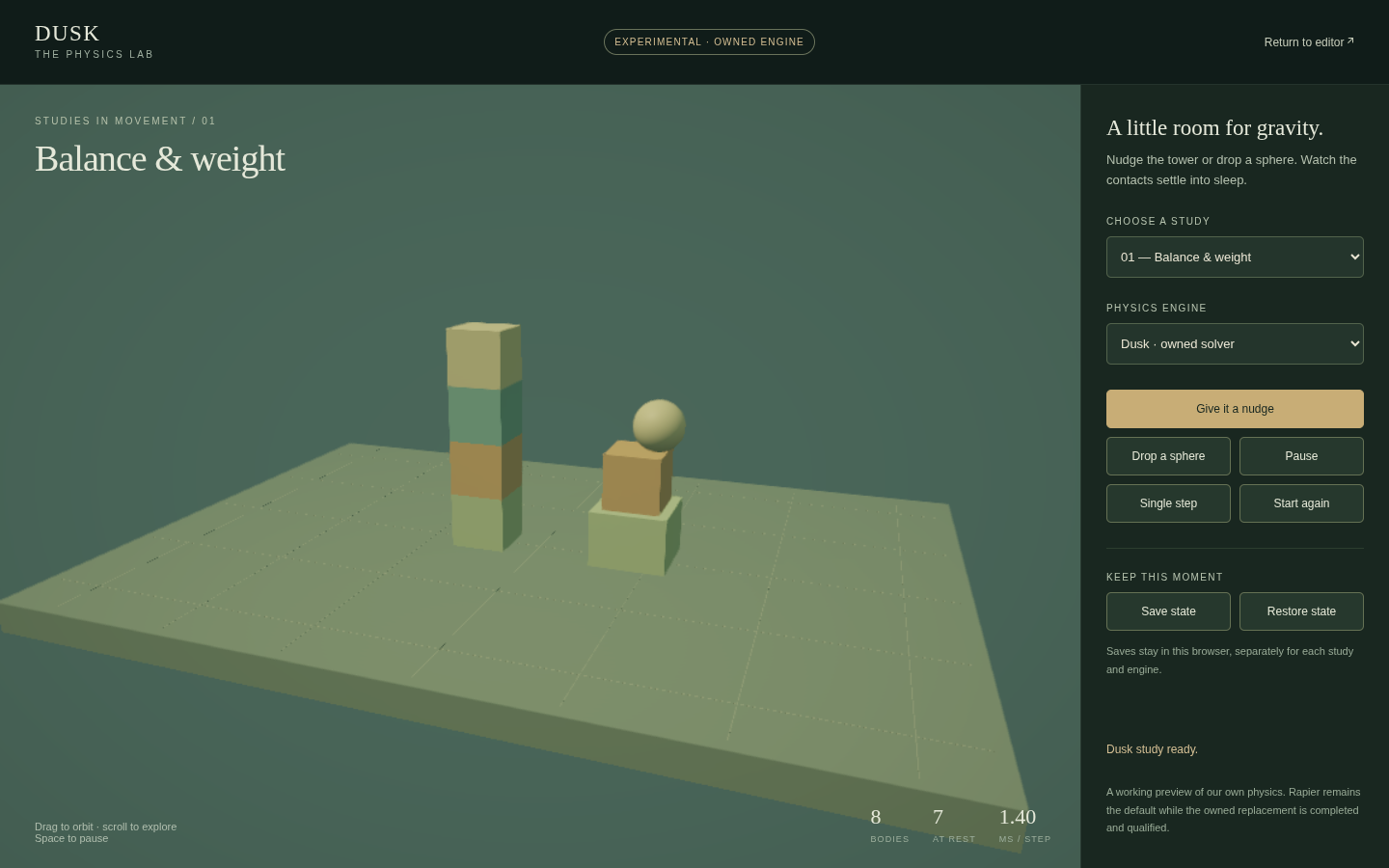
A dedicated place to experiment.
- An owned physics implementation
- A standalone browser workspace
- Documented solver, checkpoint, and replay scope
npm run dev:physicsOpen localhost:5182/physics.html after starting the command. Read the guide before treating a lab result as a capacity measurement.
The tools come with a map.
Go from an editor action to its authoring contract, or from a rendered frame to the systems beneath it.